Video effect
Image to Video AI
Turn a photo into a video: hand a still image to a video effect and watch it start moving.
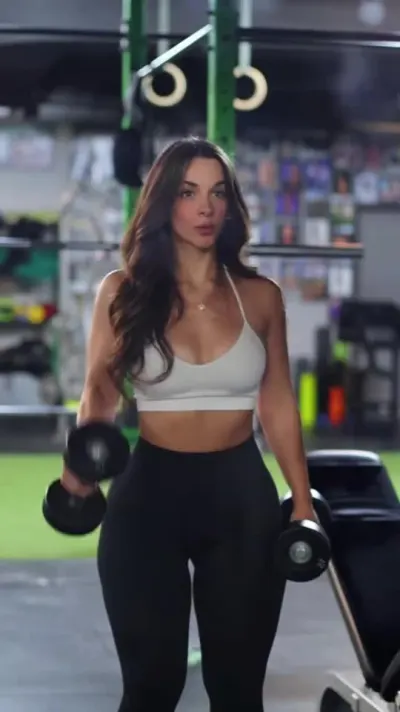
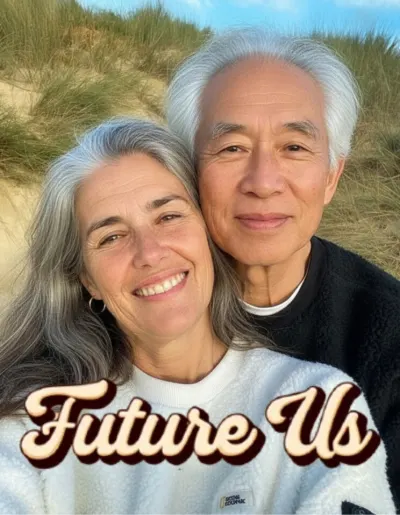
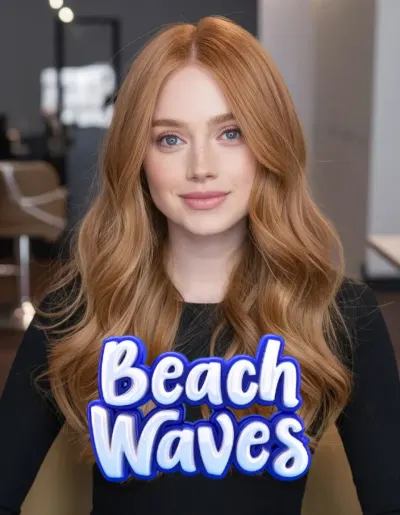
One image in, a few seconds of video out. The subject turns, walks, or the scene plays out around them, depending on which effect you hand it to — there is a whole wing of them, and they are all fed the same way: one photo.
How to do it
- Open Monet and switch the shelf selector to Video.
- Pick an effect, then a photo.
- Choose the length and whether it should end up portrait, square or wide. Tap Create.
Questions
- What do I need to give it?
- One photograph. No clip, no footage.
- What shape does it come out?
- Whichever you pick — 9:16 for stories, 1:1, 4:3, 16:9. You choose before it renders.
- Can I leave the app while it renders?
- Yes. It finishes on our side and lands in your gallery.
More effects
Results are stylised — artistic takes on your photo, not real ones. Monet is free to download; effects use credits, and new devices start with some.