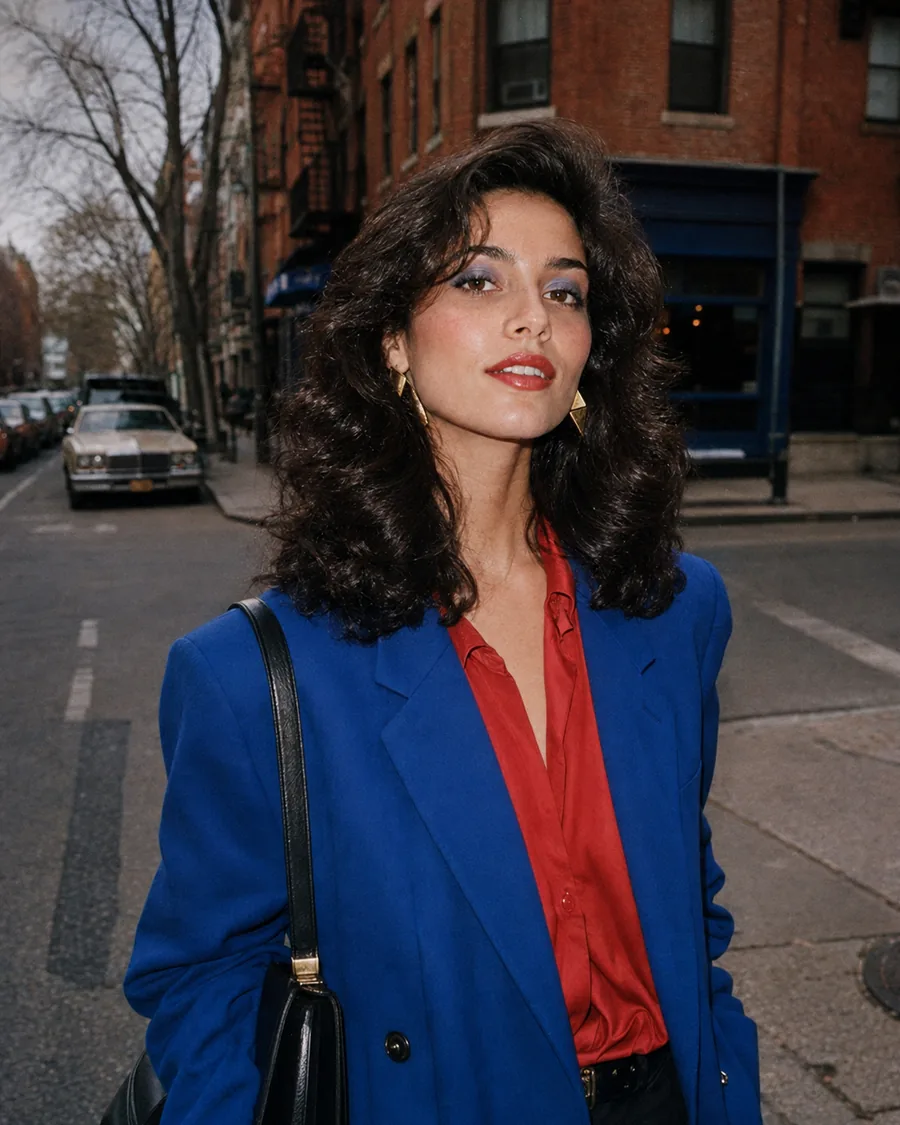
273 layouts, 18 sets
Collage Maker
Drop your photographs into a layout somebody designed — a zine spread, a strip of film, a page torn out of a diary — and change the words while you are in there.
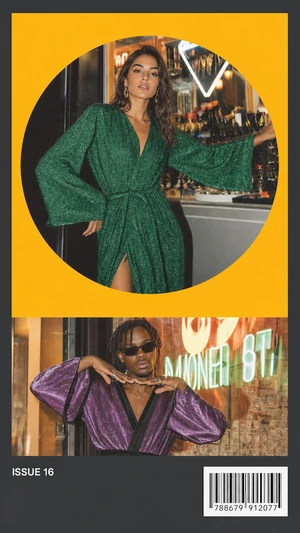 Zine
Zine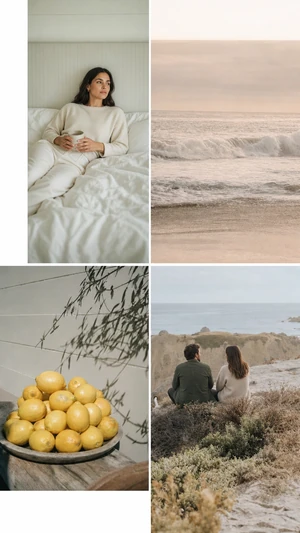 Editorial
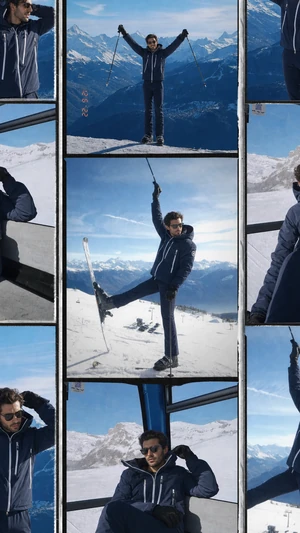 Film Classic
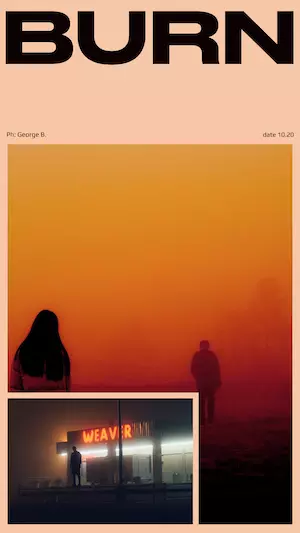 Cyber
Cyber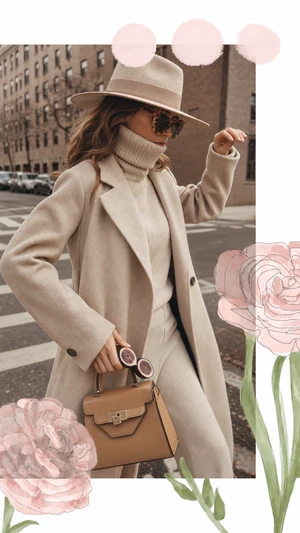 Floral
 Hypervisual
 Clean
Clean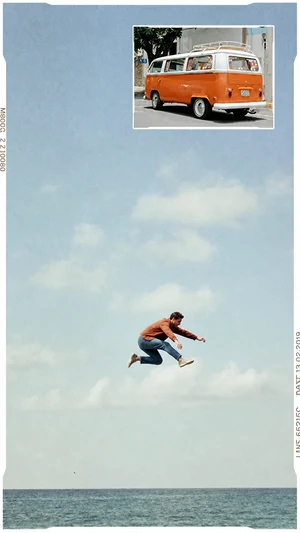 Film Line
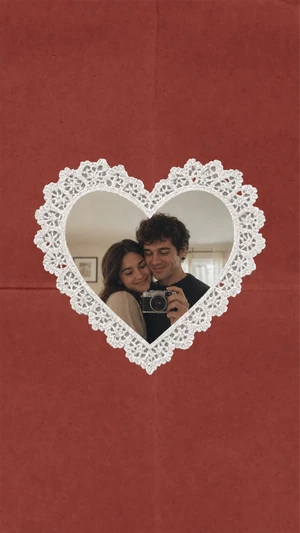 Love Letters
 Souvenirs
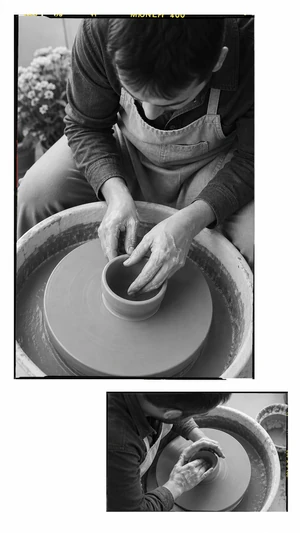 Line
Line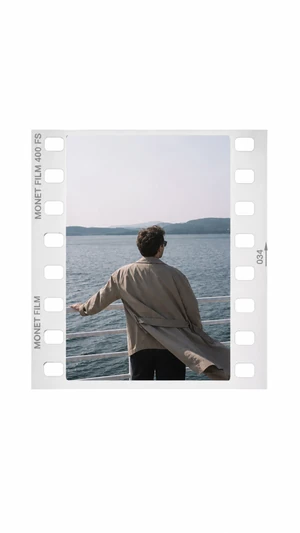 Film White
These are not frames laid over a picture. Each one is a page with its own grid, its own type and its own paper: the photographs go into the holes, the text is yours to rewrite, and what comes out is sized for where you are going to post it.
How to use one
- Open the Templates tab in Monet.
- Pick a set — Zine, Editorial, Film, Floral — and then a layout inside it.
- Tap each frame to fill it from your library, retype the words, and export.
Questions
- How many photos does a template take?
- It depends on the layout — some hold one, some hold six. The frames are shown empty before you fill them, so you can see what a template wants before you pick it.
- Can I change the text?
- Yes. The words are part of the layout rather than baked into the picture, so you can retype them and choose from the fonts each template ships with.
- What size does it export?
- The shape the template was designed in, ready for a story or a post. Nothing is stretched to fit.
- Do I need a subscription?
- Some templates are free and the rest come with a plan. Which is which is marked before you open one.