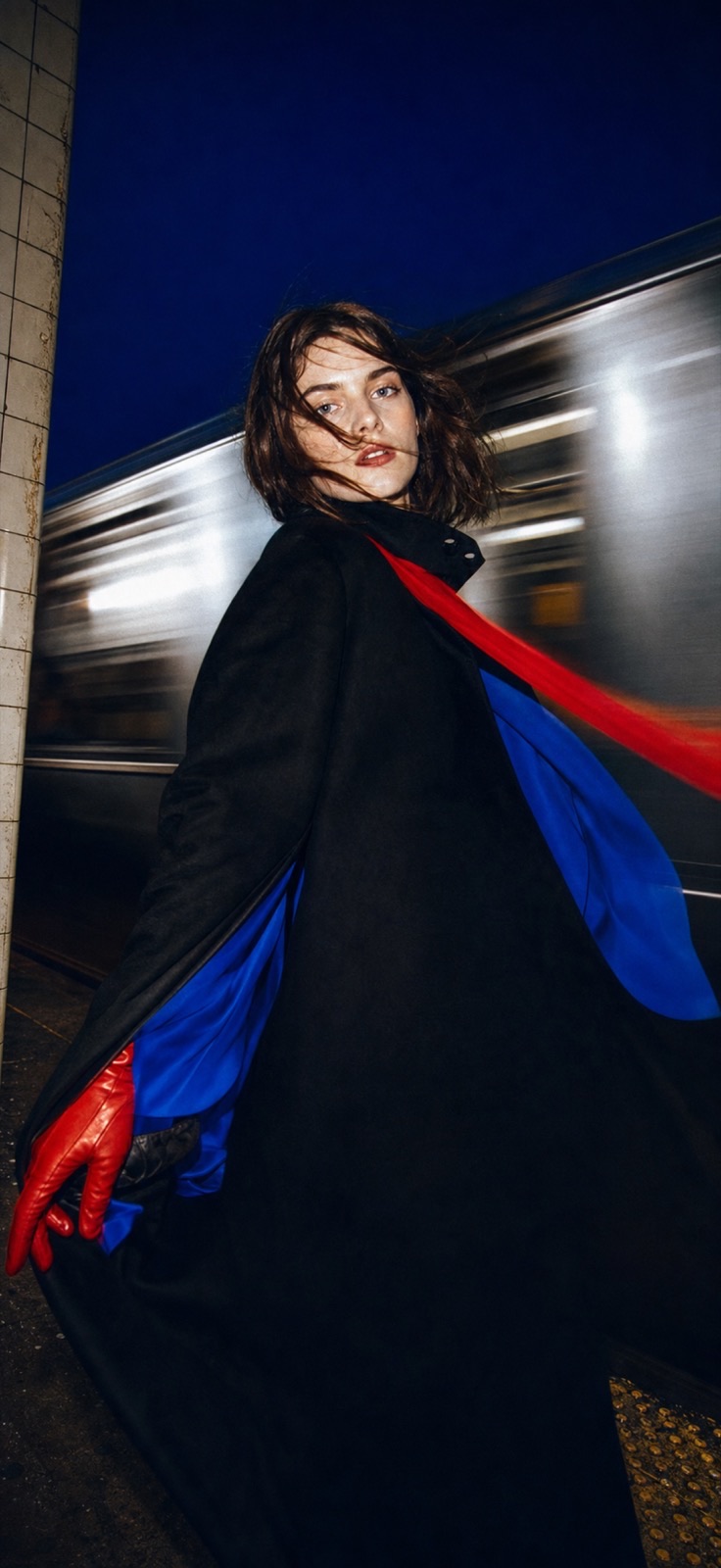
Two thousand AI styles for photos and video. Put your face in a look, or take a still and set it moving.
Stylized results — artistic takes on your photos, not real ones. Free to download; some effects use credits.
New, and everywhere right now
Most eighties filters are a colour grade. This one restyles the person — the hair, the shoulder pads, the eyeshadow — and puts the street back thirty years with them.
The face is held to the original. Everything around it moves — the blazer grows shoulders, the hair goes up and out, the cars along the kerb change decade.
See how it worksA few of two thousand
Sixty-four shelves of them — portraits and headshots, film and polaroid, cartoon and anime, and a whole wing that moves. New ones land every week.
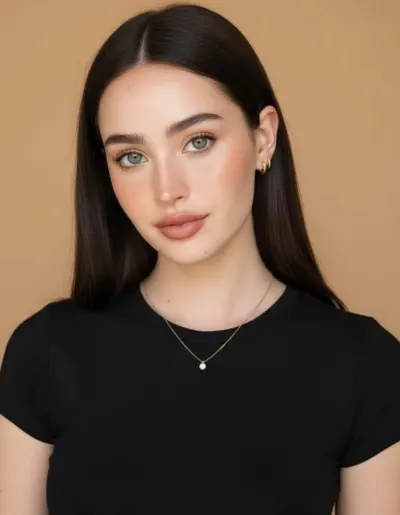
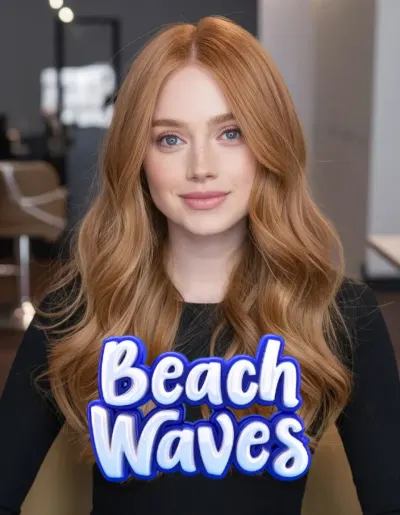
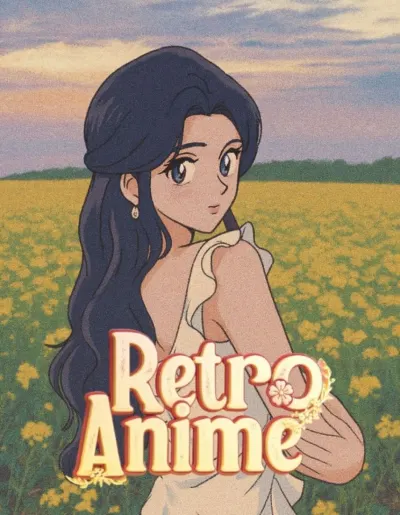
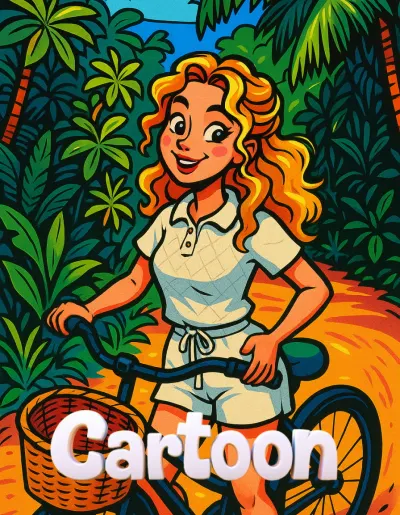
Every one of these was made in Monet from a single photo. See how each one works →
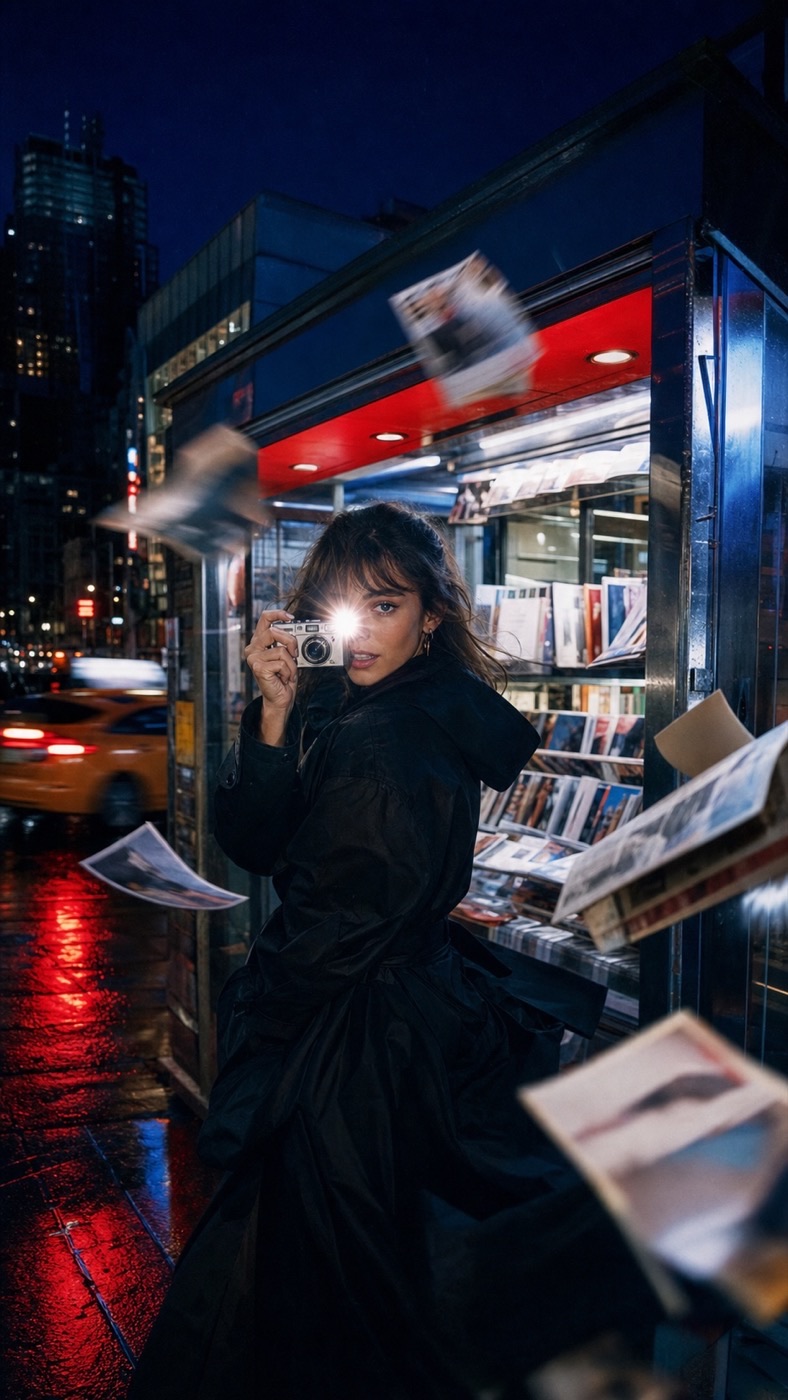
Photo to video
Hand a photograph to a video effect and it starts moving — a look that turns, a figure that steps out, a scene that plays. Choose the length and the shape it should end up, portrait or wide, and it renders while you carry on.
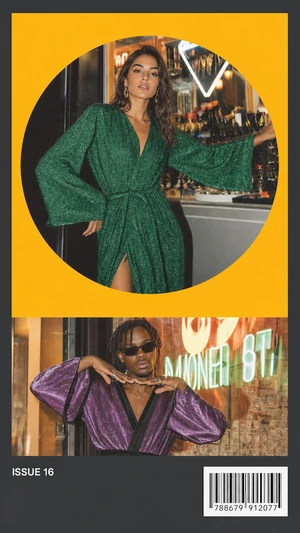
273 layouts, 18 sets
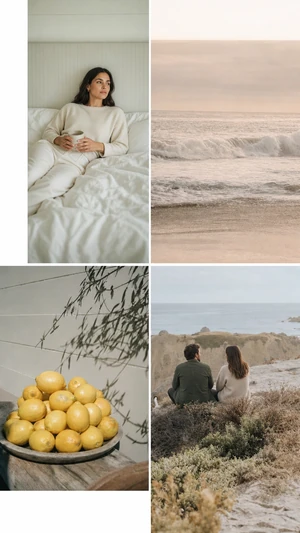
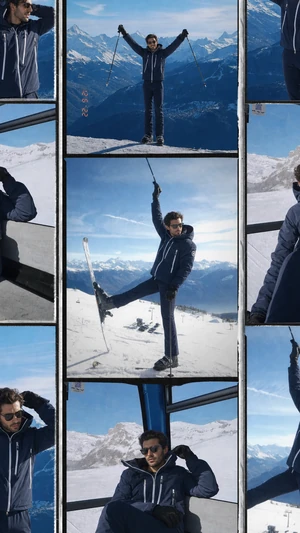
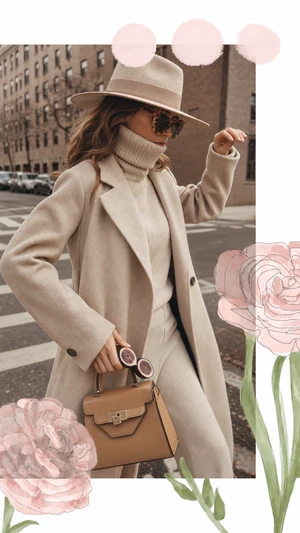
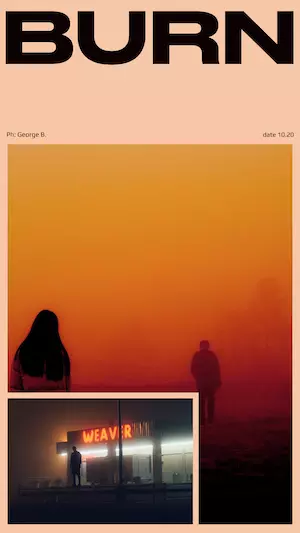
Templates are the other half of the app: a zine spread, a strip of film, a page torn out of a diary. Drop your photographs into the frames and rewrite the words.
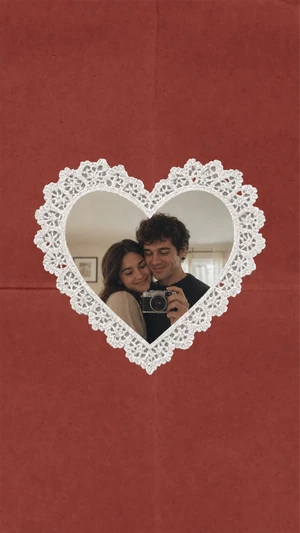
The darkroom
Underneath the AI, the editor it started as: film stocks, grain and dust, paper textures and frames, and a camera that shows the look before you take the shot. All of it on device, none of it waiting on a server.
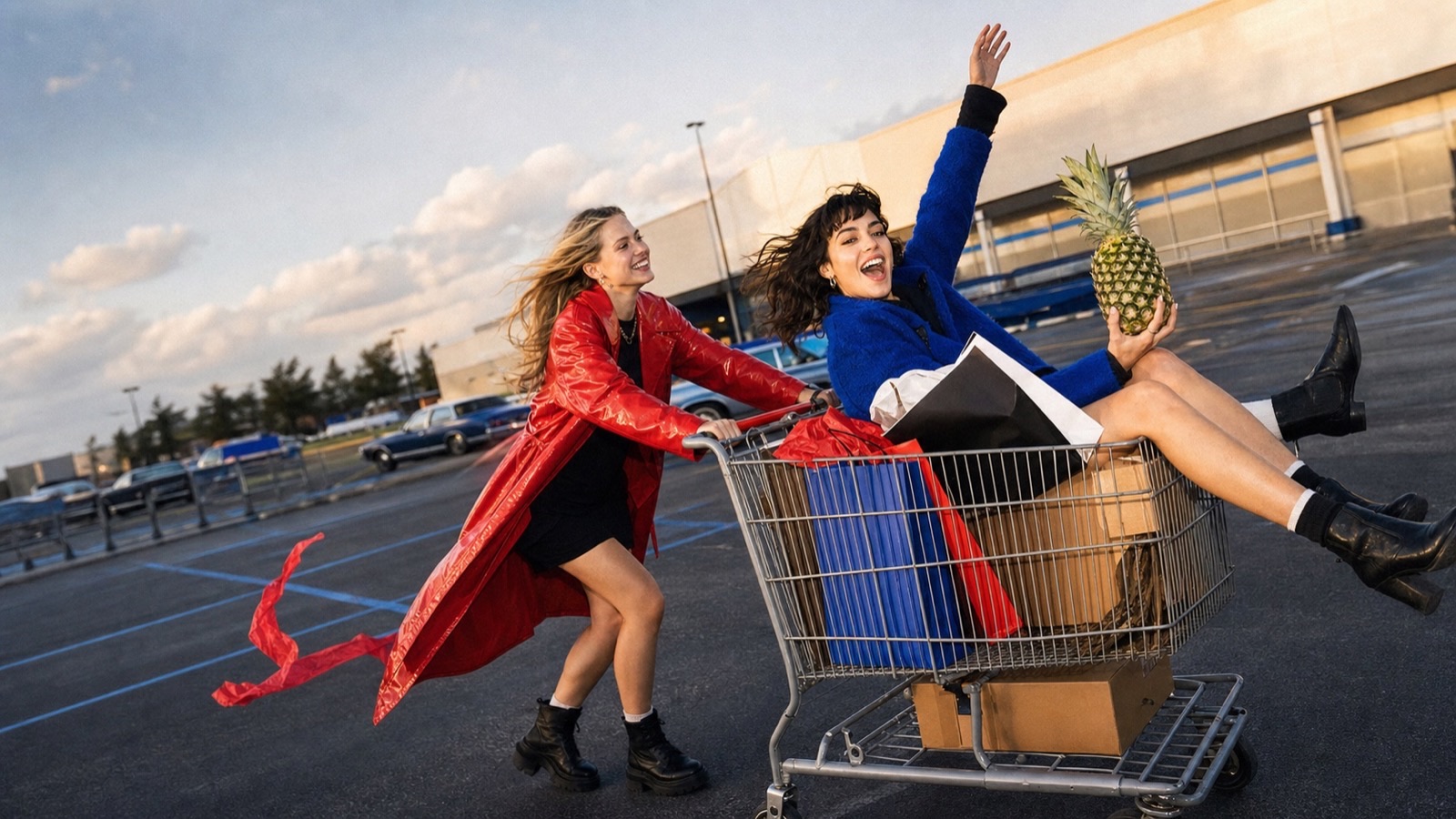
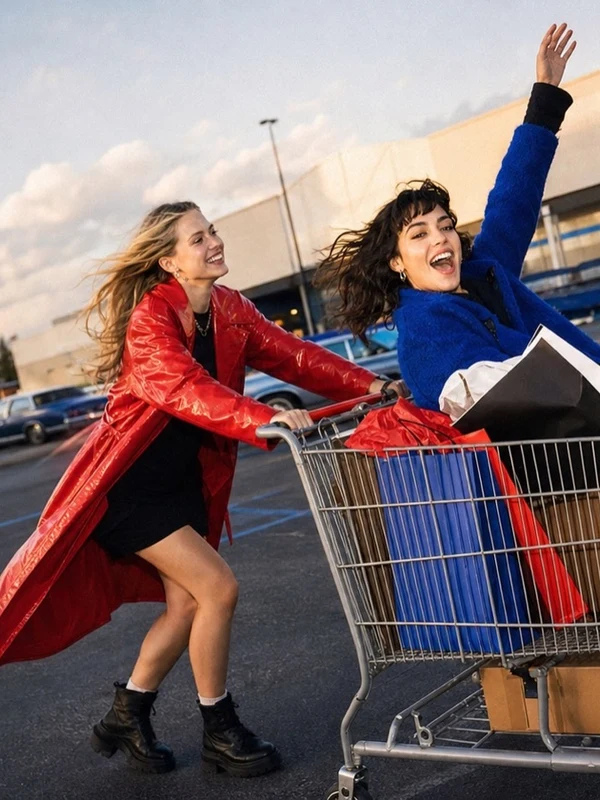
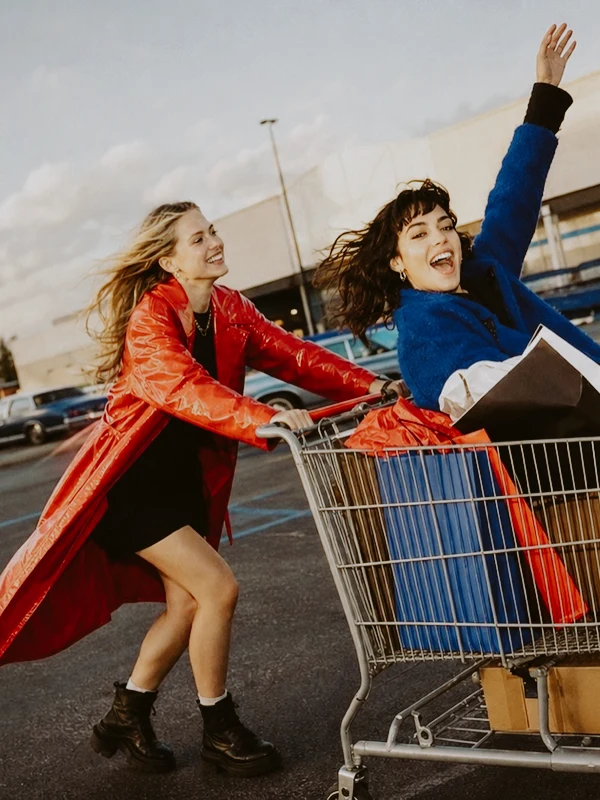
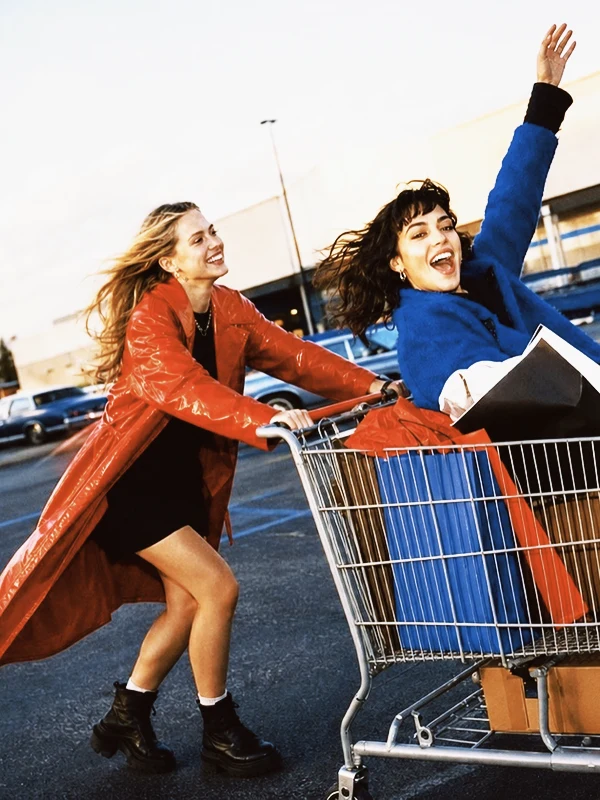
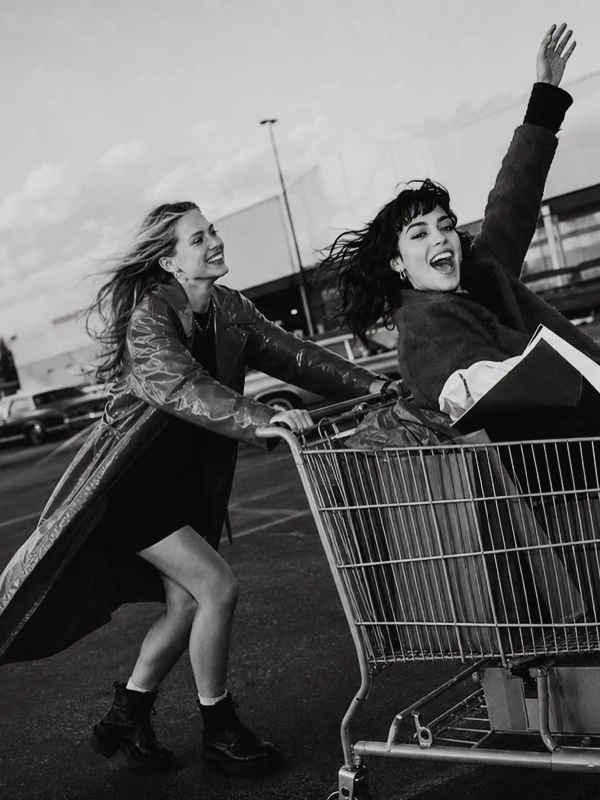
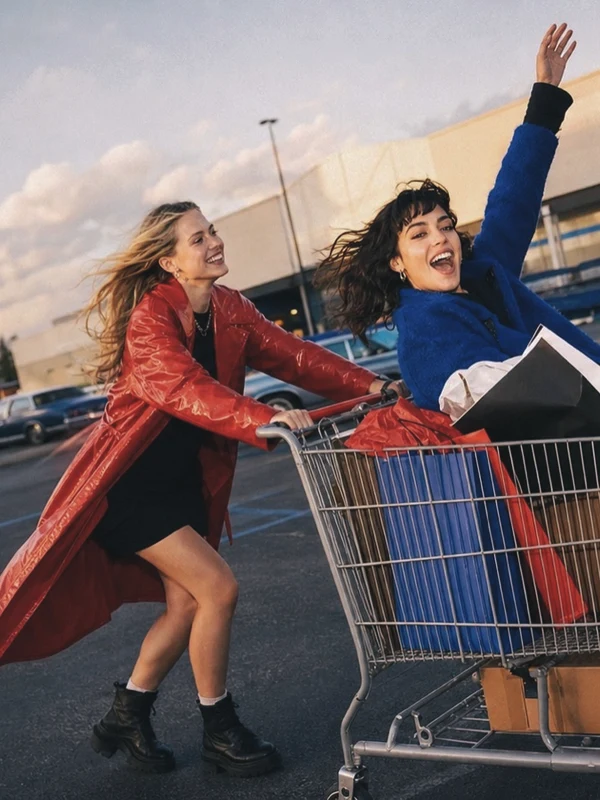
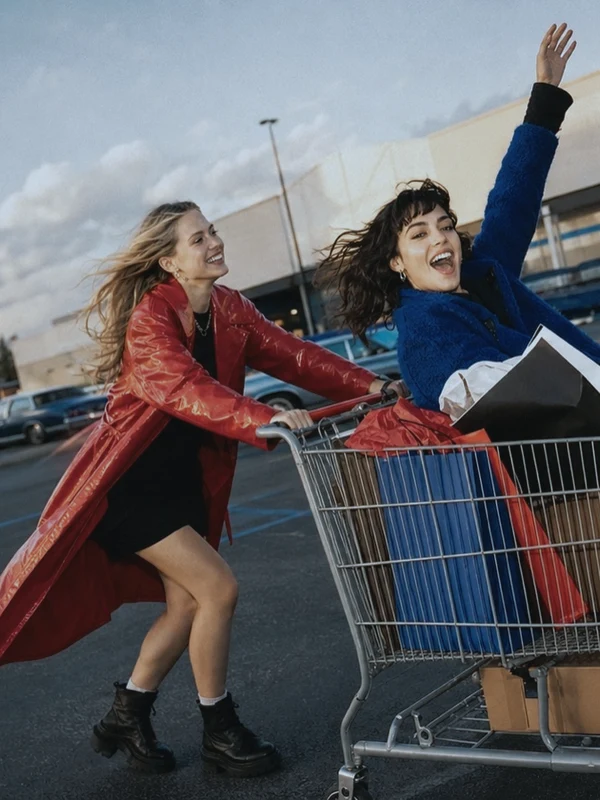
The same photograph, six ways. See all 92 filters →
Credits land in your account the first time you open it — enough to make your first few effects.