
Video effect
AI Face Swap for Video
Put your face into a scene, and let the scene move.
Your face, carried into a ready-made clip and kept there while it plays. The scene is the effect; what you bring is one photograph of yourself.
How to do it
- Pick a face swap effect from the video shelves.
- Give it a clear photo of your face.
- Tap Create and let it render.
Questions
- Whose face can I use?
- Your own, or someone who has agreed to it. Do not use it on people who have not.
- Do I need to upload a video?
- No. The scene is part of the effect; you supply the face.
More effects
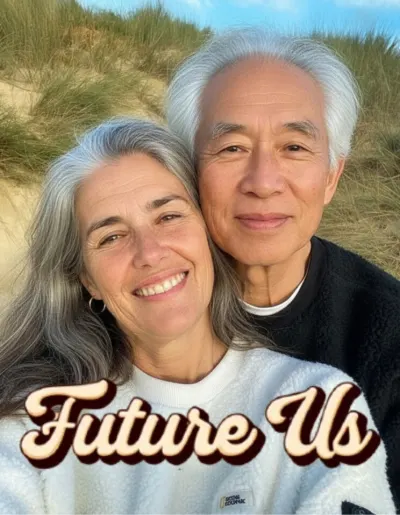


Results are stylised — artistic takes on your photo, not real ones. Monet is free to download; effects use credits, and new devices start with some.