
Photo effect
AI Hairstyle Changer
Try a haircut on before the salon does it for good.
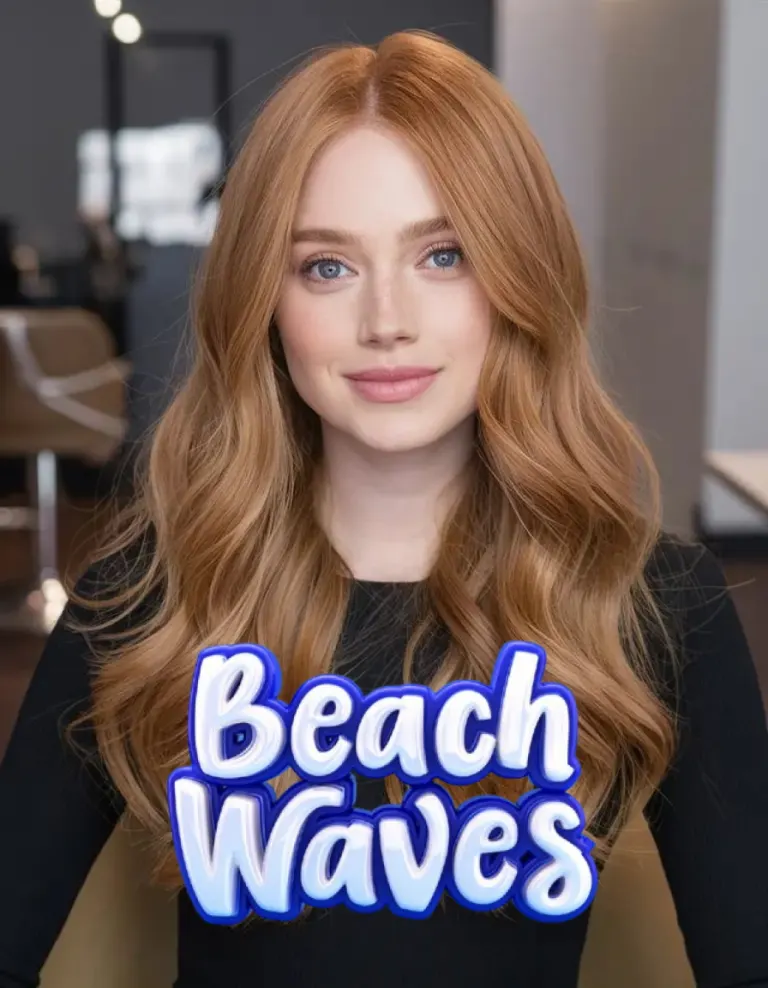
A whole shelf of cuts, colours and lengths, each applied to your own photograph rather than shown on a model. It is the cheapest possible way to find out that a fringe is a bad idea.
How to do it
- Open Haircut Salon in Monet.
- Pick a cut or a colour, then a photo where your face is clear.
- Tap Create, and try another one after.
Questions
- Can I try colours as well as cuts?
- Yes, both, and they are separate effects so you can put one on at a time.
- Will it keep my face?
- It changes the hair and leaves the face alone — that is the whole point of trying a cut on.
More effects
Results are stylised — artistic takes on your photo, not real ones. Monet is free to download; effects use credits, and new devices start with some.