Photo effect
AI Photo Editor
Edit a photo by saying what is wrong with it: sharpen it, retouch skin, repair an old print, take people out of the background.

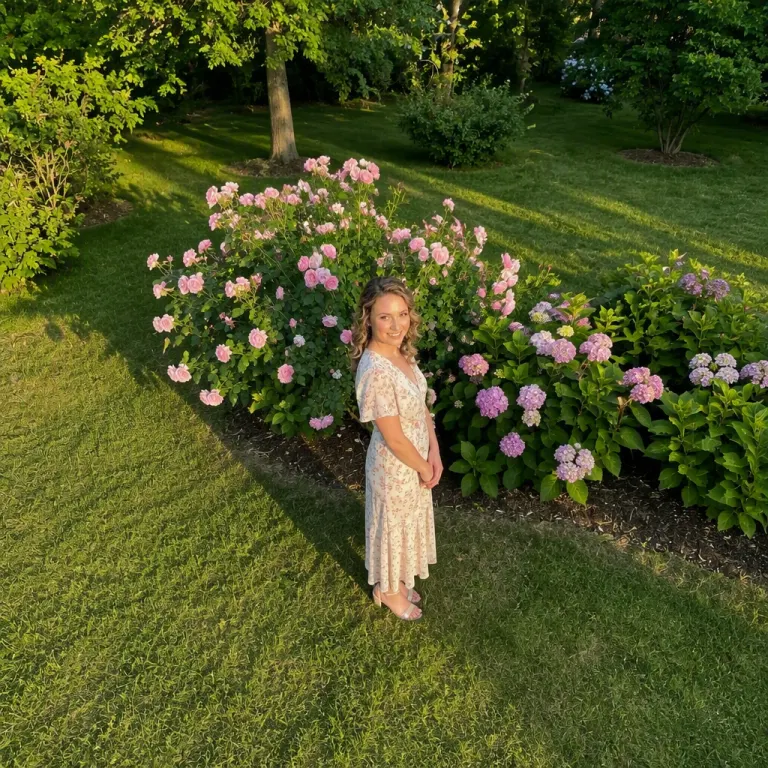
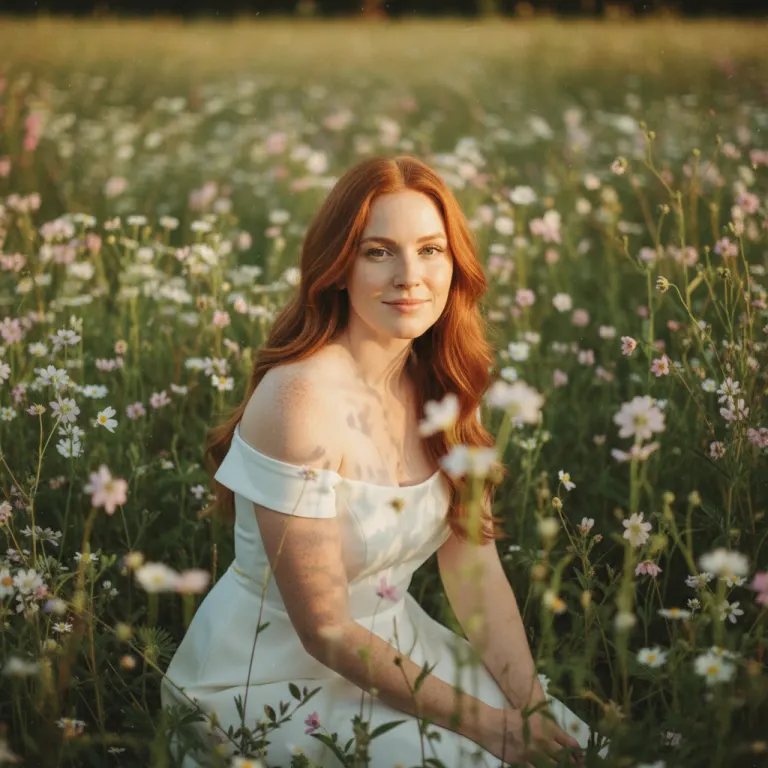
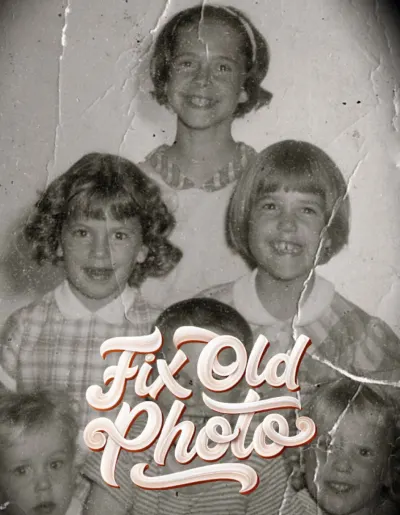
The hard part of editing was never the sliders; it was knowing which ones. In Monet each job is its own effect. Photo Enhance cleans the image up, Fix Old Photo repairs scans and faded prints, Retouch Skin handles the face, Color Fix sorts out a bad white balance, and Remove People clears the background. Pick the job, give it the photo.
How to do it
- Open Photo Editor in Monet.
- Pick the job you want done, then the photo.
- Tap Create. About a minute, and the original is left untouched.
Questions
- Is it a full manual editor?
- No. There are no curves or layers. It is a shelf of one-tap AI edits, plus film filters on the camera side.
- Does it change my original photo?
- No. The result is saved as a new image and the original stays where it was.
- Is it free?
- Free to download. AI edits use credits, and new devices start with some.
More effects
Results are stylised — artistic takes on your photo, not real ones. Monet is free to download; effects use credits, and new devices start with some.