
Photo effect
AI Photo Enhancer
Enhance a soft or damaged photo: sharper faces, cleaner detail, and old prints brought back from creases and fading.
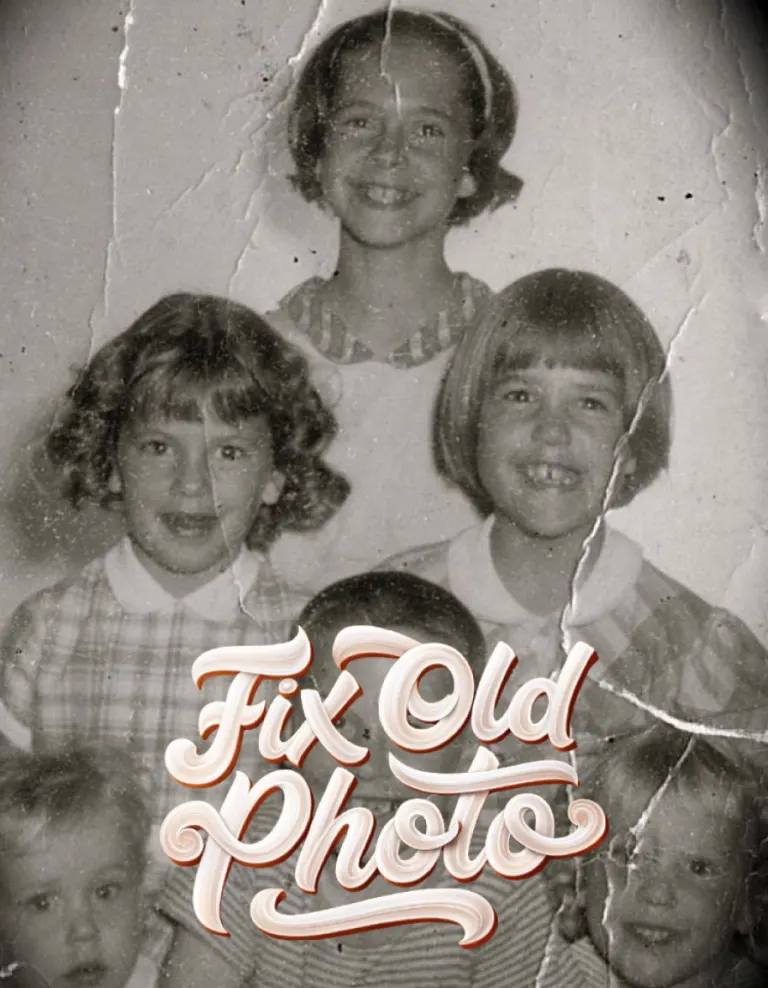
Two effects do this job. Photo Enhance is for a recent picture that came out soft or noisy. Fix Old Photo is for the box in the cupboard: scratches, creases and fading on family prints you have scanned or photographed. Both rebuild detail rather than only sharpening what is there.
How to do it
- Open Photo Editor in Monet.
- Choose Photo Enhance or Fix Old Photo, then the picture.
- Tap Create.
Questions
- Is the repaired photo historically accurate?
- Not exactly. Detail that was lost is reconstructed by AI, so faces can shift slightly. Keep the original.
- Can I use a photo of a printed photo?
- Yes. Flatten it, avoid glare, and fill the frame.
More effects
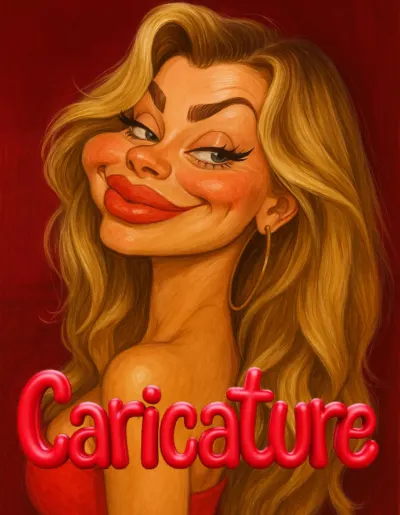
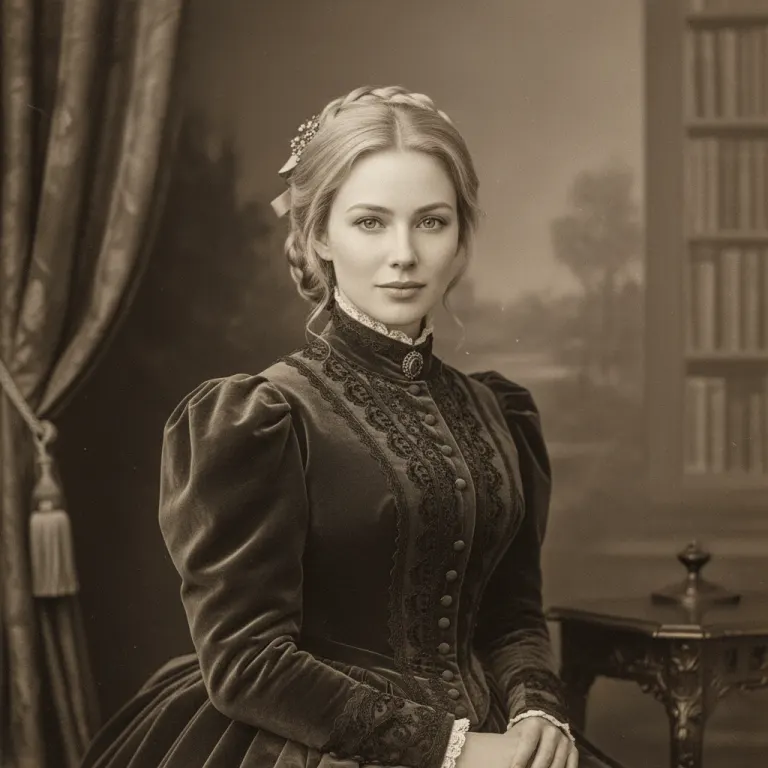
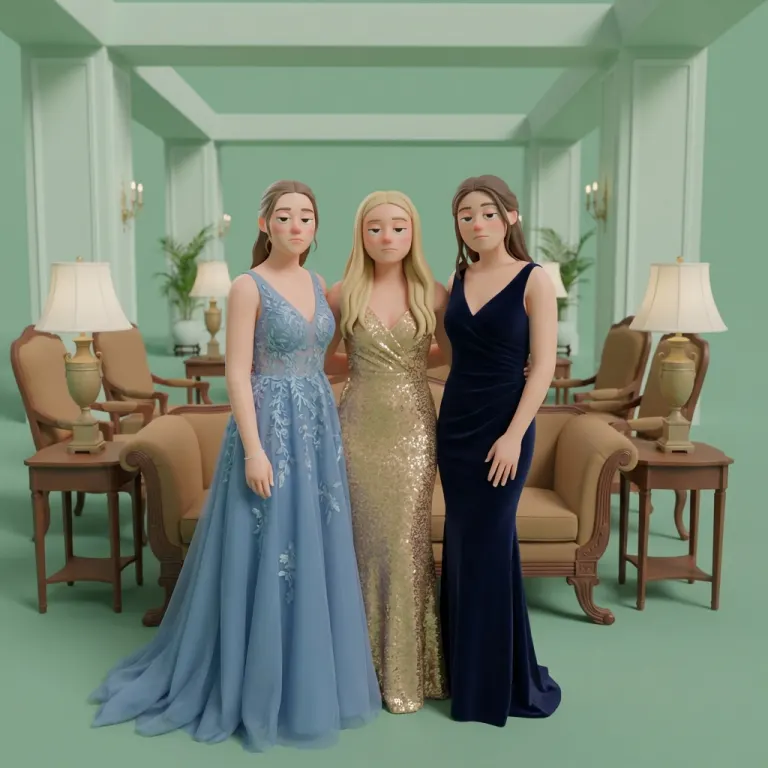
Results are stylised — artistic takes on your photo, not real ones. Monet is free to download; effects use credits, and new devices start with some.